
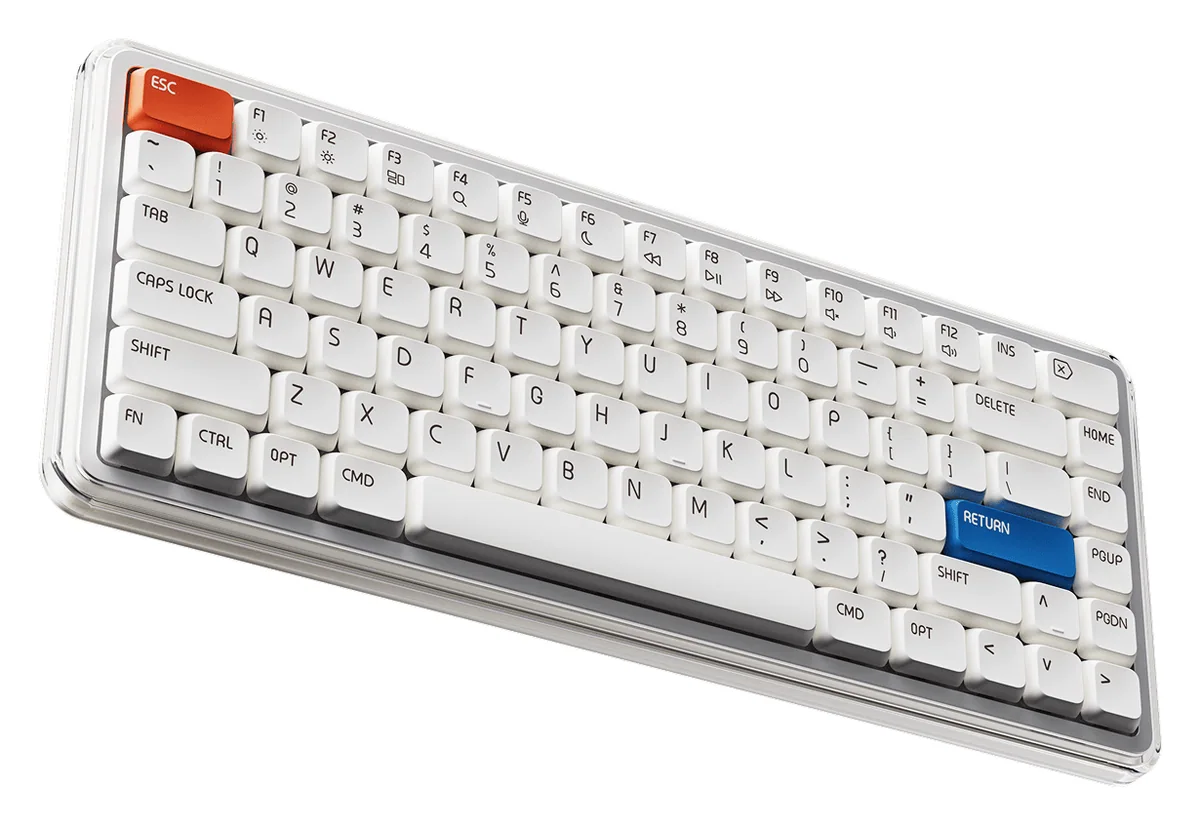
 MelGeek
 O2 for Mac
A low-profile board with Apple-style modifier legends, media shortcuts and a translucent design.
- Layout: Compact · Mac layout
- Connectivity: Bluetooth, 2.4 GHz, USB-C
- Switches: Kailh Sunshine linear
Choose a low-profile mechanical keyboard for your Mac desk. Compare Mac-specific key legends, wireless modes, layout and remapping support across covered models.
Start with the MelGeek O2 for Mac if Apple-style labels are important. The Lofree Flow Lite84 offers a compact alternative with three connection modes.
| Specification | MelGeek O2 for Mac | Lofree Flow Lite84 | Lofree Edge | ATK Yogo 75 |
|---|---|---|---|---|
| Layout | Compact · Mac layout | 75% · 84 keys | 75% · 84 keys | 75% · 84 keys |
| Connectivity | Bluetooth, 2.4 GHz, USB-C | Bluetooth, 2.4 GHz, USB-C | Bluetooth, USB-C | Bluetooth, 2.4 GHz, USB-C |
| Case materials | Transparent outer shell | ABS | Carbon fiber top, magnesium alloy base | CNC aluminum |
| Dimensions | — | 316.8 × 138 × 23.5 mm | 318 × 154 × 15 mm | — |
| Weight | — | 550 g | 485 g | — |
MelGeek gives this O2 variant Apple-style modifier legends and media shortcuts. Check the retailer selector for the Mac version.
MelGeekA low-profile board with Apple-style modifier legends, media shortcuts and a translucent design.
The compact layout keeps arrows and the function row while offering Bluetooth, wired USB-C and a 2.4 GHz receiver.
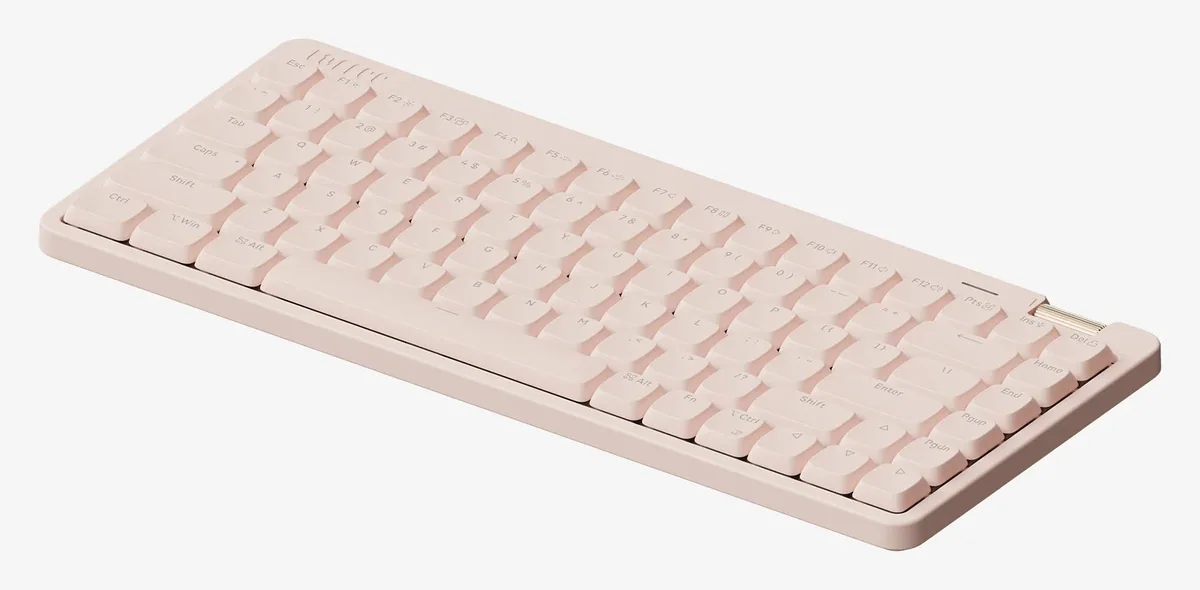 Lofree
A compact 75% board with a physical function row and three connection modes for a desk shared by work and personal devices.
Lofree lists the Edge at 485 g. It has Bluetooth and wired USB-C, with fixed switches.
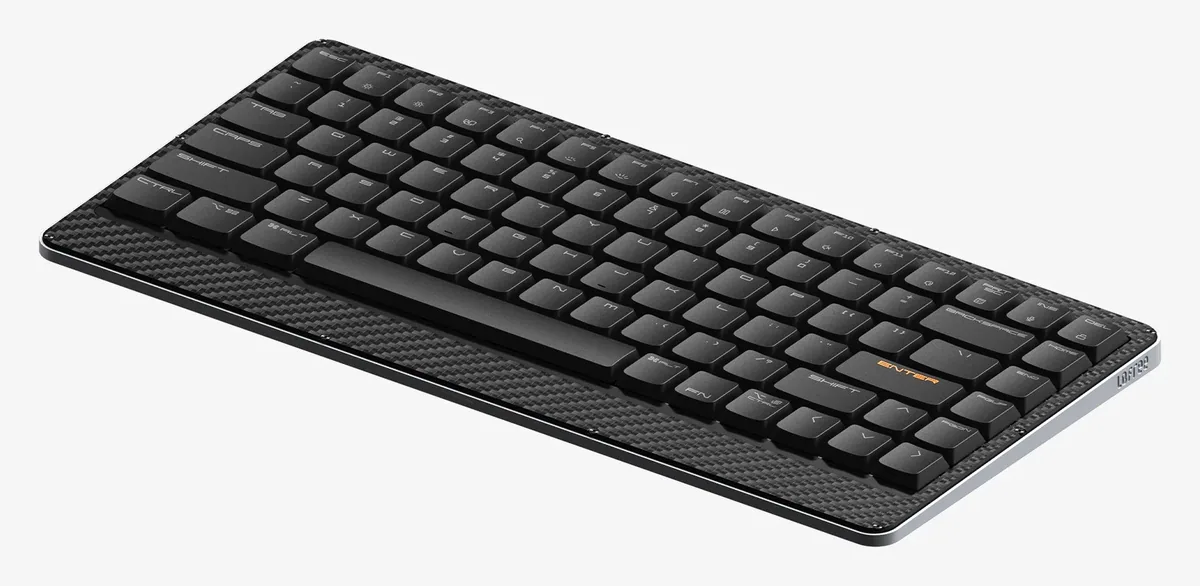 Lofree
A 485 g, 84-key keyboard with a slim case, carbon-fiber top and a magnesium-alloy base.
The standard Yogo 75 pairs an aluminum case and polycarbonate plate with documented Windows and macOS support.
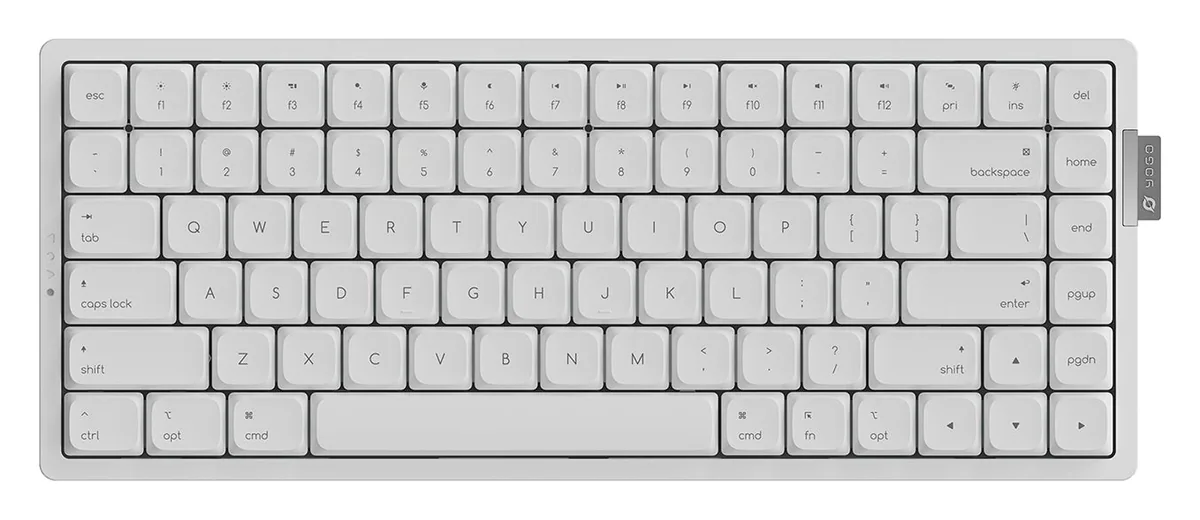 ATK
A compact aluminum keyboard with a polycarbonate plate, gasket mount and an 84-key layout.
Check the modifier order and printed labels first. Confirm whether the keyboard’s shortcuts and remapping tools work on your operating system. Bluetooth can be convenient with a laptop, while a wired connection or receiver gives you another way to connect.
We compared manufacturer documentation on macOS support, key layouts, connectivity and mapping options. The comparison covers the models in this guide.
If you move between a MacBook and external keyboard, compare modifier and shortcut positions. On a desk that serves both Mac and Windows, check whether switching systems affects shortcuts or key remapping.
No. Compatibility tells you that the keyboard can work with macOS. Check the physical labels and the layout of shortcuts separately.